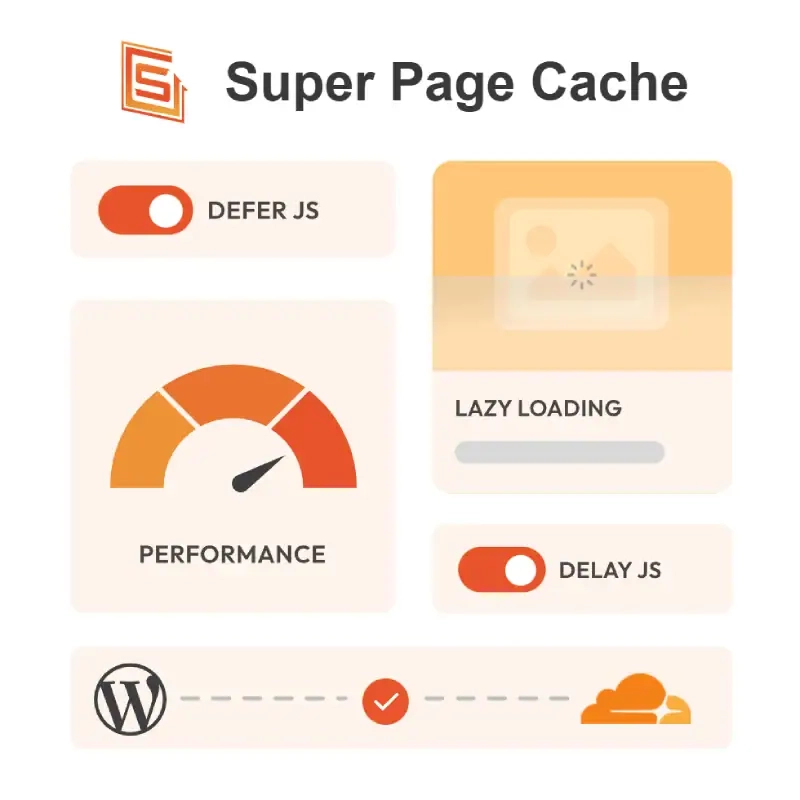
LatestPurchase and Download Super Page Cache Pro, This is a high-performance WordPress caching plugin developed by Themeisle, whose core value lies in its deep integration of local disk caching with Cloudflare Edge Caching.
It makes it easy to enable “full-page edge caching” with a free Cloudflare account, significantly reducing server response time (TTFB) and saving origin server CPU resources.
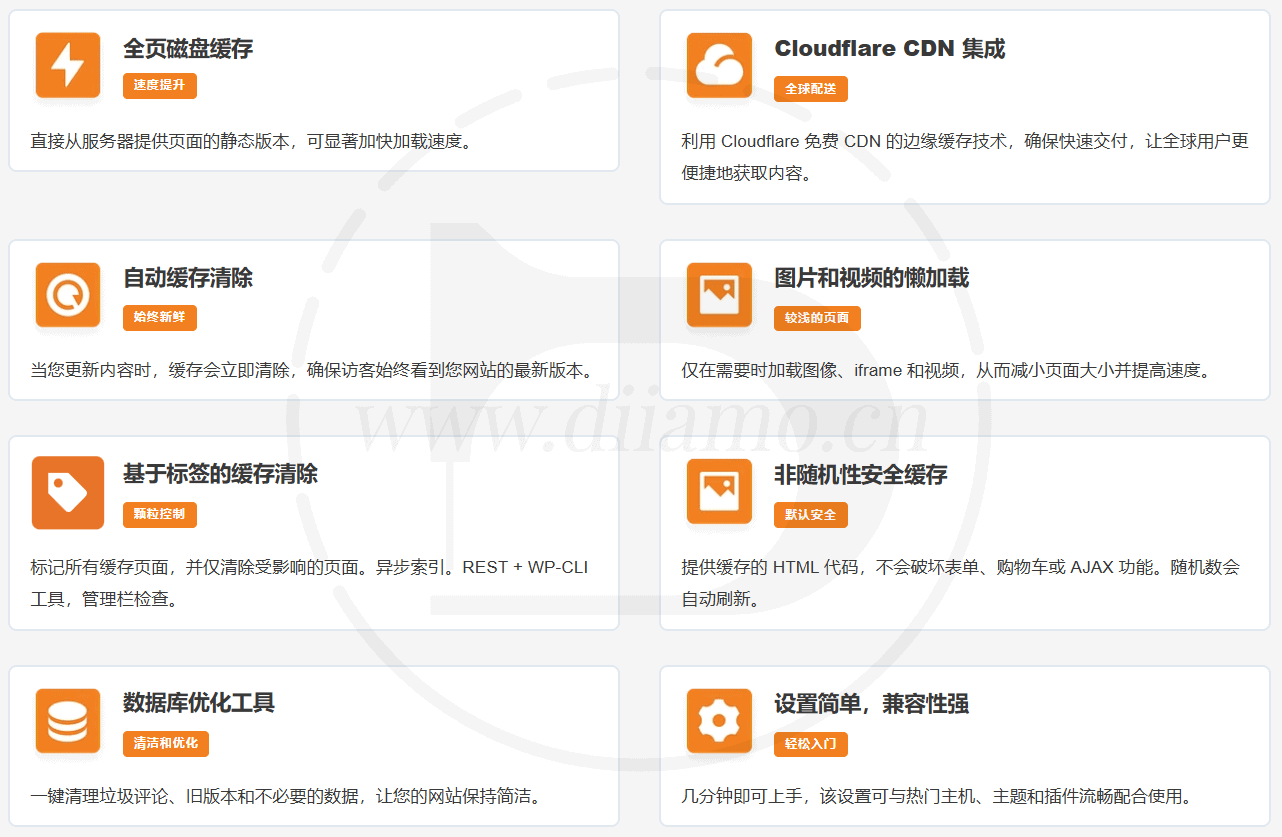
- Cloudflare Edge Caching: TheCache the website's static HTML directly on Cloudflare's global nodes. Anonymous visitors can retrieve pages directly from the nearest CDN node without triggering PHP or database queries on the origin server.
- Smart Cache Tags (Cache Tags): TheA feature exclusive to the Pro version. When website content is updated, the plugin can clear the cache for only the affected product, category, or author page—rather than the entire site—which is crucial for high-traffic WooCommerce stores.
- Advanced Scripting and Media Optimization: TheSupports smart delay and defer execution of JavaScript, removes unused CSS, and provides smart lazy loading for images, videos, and iframes, thereby significantly optimizing Core Web Vitals metrics.
- Dynamic Content and Bypassing Authenticated Users: TheIt is fully compatible with WooCommerce shopping carts and checkout pages, and automatically bypasses the cache when a logged-in user or specific cookies are detected, ensuring that dynamic content is not cached incorrectly.
- One-Click Database Optimization: TheBuilt-in database cleanup and maintenance tools that allow you to clean up revisions, auto-drafts, and spam comments, as well as defragment the database, all with a single click.
What is GPL plugin
This plugin is a GPL licensed product and is safe and legal. Click to learn what isGPL AgreementClick to learnWordPress official website about GPL. Simply put, the source code for plugins and themes that use the GPL protocol is open-source and shared publicly, and may be legally modified, used, and distributed freely.
The company that owns the plugin/theme mentioned in the title of this item is not affiliated with us in any way, and the company has not licensed its products or brands to us. This product is a distribution of the plugin/theme mentioned in the title, created by a third party company/developer and redistributed by us under the terms of the General Public License (GPL).
We use the name of this plugin/theme solely to clarify which plugin/theme this GPL product is based on, with the aim of helping users better understand our product’s features and potential use cases; we have absolutely no intention of impersonating or misleading anyone.
This item is sold following and respecting all terms of the GPL license agreement, ensuring that users understand that they are acquiring a plugin/theme distribution based on an open source license. They are allowed to view, modify and redistribute the software to promote its free use and development.
Verified by Security Antivirus
Directly from foreign formal channels to buy, do not modify the source code. All plug-ins we use to build their own sites, used in a number of sites, safe, stable and reliable.Are you worried that the plugin is not secure? Check this articel:"Are GPL-licensed WordPress plugins/themes (cracked versions) safe?".
- ByVirustotal Antivirus Verification;.
- ByWordfenceSource code review and comparison;
- No addition of malicious external links;
- BySucuriSecurity antivirus scan.

Changelog/ Update Method
Generally, this site will be updated within 24 hours of the release of the latest version. At that time, please visit this page directly to download the new version installation package and upload the update; the product title will include the latest version number.
Updates can only be performed by uploading the installation package. If this is a concern for you, please do not purchase. If you wish to update online, you must purchase the original version from the plugin’s official website.
Click to view the official update log for this plugin (Changelog)
Super Page Cache Pro Purchase and Download Terms
The plugins on this site were purchased from an overseas website; the price Diiamo paid for them was4.99 USD/pc, valid for 2 years. The selling price of diiamo is lower than the cost price, and given the significant effort put into creating user guides and providing live support, it’s definitely worth every penny.
Plug-in for learning and research purposes only, virtual products are reproducible, once sold no refund, please move to the detailsTerms of Service. Please log in before purchasing, and refresh the page after purchase to get permission to download the plug-in.
Installation / Activation Method
On the plugin installation page, upload the purchased zip file, then install and activate it. It is already automatically activated and fully functional. If you see a message saying it’s not activated, just refresh the page.
Installation method 1: Upload and install
Find and click on "Plugin">"Install Plugin" in the left menu column of the website backend, click on "Upload Plugin" in the upper left corner, upload and download the zip installation package, click on "Install Now", and then click on it after installation "Enable Plugin" Complete the installation.

Installation method 2.FTP installation
Note: Features in the paid version of BaoTower, such as anti-tampering and system hardening, may automatically delete or block PHP files within the system, preventing the plugin from being activated or causing it to malfunction. If you encounter any issues, please disable the relevant features before uploading the plugin.
Directly use FTP or enter the panel file management system, upload the purchased. zip compressed file directly to the plugins directory on the website (xxx. com/WP content/plugins), and extract it. Or firstUnzip the .zip archive by extracting the extracted oneFoldersUpload it to the plugins directory of the site.
Then go to the left menu column of the website backend, find and click to enter "Plugin">"Installed Plugin", find the plugin in the plugin list, and click "Enable".

Super Page Cache Pro User Guide
For more information, please go toOfficial Documents... Look for a tutorial on your own.
We don’t make a profit from selling these plugins; we do it simply to help others and as a hobby. Instructions for use are not covered by our after-sales support, so please refer to the official documentation. If a plugin’s features aren’t working or you encounter bugs, please contact our WeChat customer service. Thank you for your understanding.
We’ve dealt with many customers. Some are impatient and don’t like reading the tutorials—they ask Xiao Di about everything. But I also have to read the tutorials before I can answer you; it’s a hassle for you, and it’s a hassle for me too. On other websites that sell GPL resources, you can’t even get in touch with customer service, or they don’t respond at all. Xiao Di offers after-sales support via WeChat chat, with replies that come almost instantly—which is very rare. Please cherish this service.