
LatestPurchase FOX-Currency Switcher for WooCommerceDownload this WooCommerce multi-currency plugin to significantly enhance your WooCommerce store experience.
Diiamo is now availableCURCY – WooCommerce Multi-Currency Switch Plugin... We recommend comparing them to see which one is best suited for your website.
[Flexible Checkout]—As a store manager, you have the freedom to determine your customers’ payment methods. Our WooCommerce Currency Switcher lets you choose whether customers can pay in their preferred currency or in your store’s base currency. This optional feature allows you to customize the payment process to meet your business needs. Whether you want to offer complete currency flexibility or prefer transactions to be processed in your store’s base currency, our plugin gives you the control you need. You can give customers the choice or simplify the payment process by using a familiar base currency—the decision is entirely yours.
[Manage Checkout Based on Geographic Location and IP Rules]—Use our intuitive interface to set up payment rules based on the currency of specific countries or regions. Once this feature is enabled, your customers will enjoy the convenience of paying in their local currency without the need for currency conversion, ensuring price transparency. Our flexible payment options enhance customer satisfaction, reduce friction during the checkout process, and help you expand your global business.
[Set Fixed Product Prices for Each Currency: Take Control of Pricing]—The FOX WooCommerce Currency Switcher allows you to set fixed prices for each currency, unaffected by exchange rates. As a store administrator, you have complete control over pricing strategies for different currencies, ensuring consistent and predictable pricing for your customers.
[Price Management Based on User Roles]—FOX offers a powerful feature that allows store administrators to set product prices based on user roles. This feature is particularly useful for stores that use a hierarchical user system, as different user roles have different permissions and access rights.
[Manage Payment Rules]—With this feature, store administrators can configure and assign specific payment methods for each currency offered in their WooCommerce store. This means that customers paying in different currencies can enjoy customized payment options that are most convenient and best suited to their currency preferences.
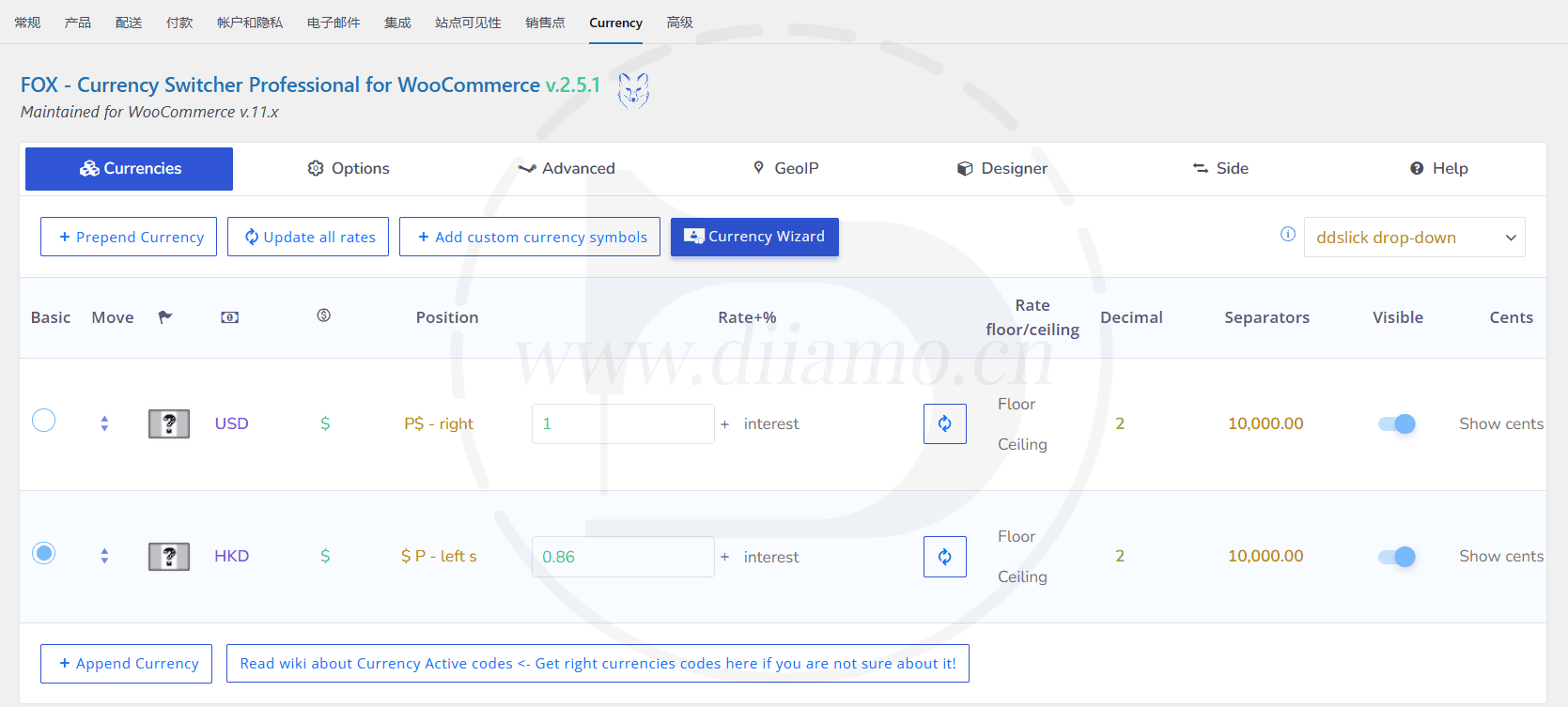
[Flexible Exchange Rate Update]—Store administrators can flexibly decide when and how often to update exchange rates. We understand that exchange rates fluctuate, so it’s crucial to have control over the update process. Our plugin lets you easily customize update settings to meet your business needs.
[Set a Custom Currency Symbol]——FOX enables store managers to transcend the limitations of traditional currencies. With our plugin, you can enter and use a variety of special currency symbols that may not exist in the real world. This opens up exciting possibilities for stores with unique business models, such as in-game stores or virtual marketplaces.
[Set Up Separate GeoIP Rules for Each Product]—This powerful feature allows you to set individual GeoIP rules for each product in your store. With this feature, you can customize currency display and pricing based on customers' geographic locations, thereby providing a personalized and localized shopping experience.
[Switch by Currency and Order Statistics]—FOX provides powerful tools for analyzing your customers’ currency usage. Our plugin collects comprehensive statistics covering the currencies your customers switch between and the currencies used in their orders. This valuable information helps you gain deep insights into customer preferences, track currency trends, and make informed business decisions.
[Available on mobile devices] – Whether your customers are browsing your online store on a desktop computer or a mobile device, they can easily access the currency switcher and select their preferred currency with just a few taps.
[Reduce Database Queries, Improve Work Efficiency] – With FOX, you can provide real-time currency conversion without sacrificing performance, enabling your customers to view accurate, up-to-date prices in their preferred currency while minimizing the impact on database resources.
Key Features of FOX Custom Price Format Settings:
Decimal precision:You can specify the number of decimal places to display for prices. For example, you can choose to display two decimal places (e.g., $10.99) or no decimals (e.g., $10).
Currency symbols:You can choose to use standard currency symbols or custom symbols. This allows you to align the currency display with your brand or create a unique currency representation for your products.
Currency Symbol Position:You can choose where the currency symbol appears relative to the price. Options include displaying the symbol before the price (e.g., $10.99), after the price (e.g., 10.99 USD), or even as a superscript (e.g., 10.99^USD).
Hide points for specific currencies:If the currency you're using (such as the Japanese yen or New Taiwan dollar) does not have decimal places, you can configure the plugin to hide the "fen" for these currencies. This ensures that prices are displayed accurately according to the currency's specifications.
[Compatibility with Cache Plugins] – By using this feature, you can combine the benefits of caching (improved performance) with dynamic currency switching, ensuring that your customers enjoy a smooth and consistent experience even on cached pages.
What is GPL plugin
This plugin is a GPL licensed product and is safe and legal. Click to learn what isGPL AgreementClick to learnWordPress official website about GPL. Simply put using the GPL license plugin/theme source code open source sharing, can be legally free to change, use, distribution.
The company that owns the plugin/theme mentioned in the title of this item is not affiliated with us in any way, and the company has not licensed its products or brands to us. This product is a distribution of the plugin/theme mentioned in the title, created by a third party company/developer and redistributed by us under the terms of the General Public License (GPL).
We use the name of this plugin/theme solely to clarify which plugin/theme this GPL product is based on, with the aim of helping users better understand our product’s features and potential use cases; we have absolutely no intention of impersonating or misleading anyone.
This item is sold following and respecting all terms of the GPL license agreement, ensuring that users understand that they are acquiring a plugin/theme distribution based on an open source license. They are allowed to view, modify and redistribute the software to promote its free use and development.
Verified by Security Antivirus
Directly from foreign formal channels to buy, do not modify the source code. All plug-ins we use to build their own sites, used in a number of sites, safe, stable and reliable.Are you worried that the plugin is not secure? Check this articel:"Are GPL-licensed WordPress plugins/themes (cracked versions) safe?".
- ByVirustotal Antivirus Verification;.
- ByWordfenceSource code review and comparison;
- No addition of malicious external links;
- BySucuriSecurity antivirus scan.

Changelog/ Update Method
Generally, this site will be updated within 24 hours of the release of the latest version. At that time, please visit this page directly to download the new version installation package and upload the update; the product title will include the latest version number.
Updates can only be performed by uploading the installation package. If this is a concern for you, please do not purchase. If you wish to update online, you must purchase the original version from the plugin’s official website.
Click to view the official update log for this plugin (Changelog)
FOX-Currency Switcher for WooCommerce Purchase and Download Terms
The plugins on this site were purchased from an overseas website; the price Diiamo paid for them was4.99 USD/pcThe price of the product is lower than the purchase price. Diiamo selling price is lower than the purchase price, and spend a great deal of effort to produce the use of tutorials + provide manual Q&A service, absolutely value for money.
Plug-in for learning and research purposes only, virtual products are reproducible, once sold no refund, please move to the detailsTerms of Service. Please log in before purchasing, and refresh the page after purchase to get permission to download the plug-in.
Installation / Activation Method
On the plugin installation page, upload the purchased zip file, then install and activate it. It is already automatically activated and fully functional.
Installation method 1: Upload and install
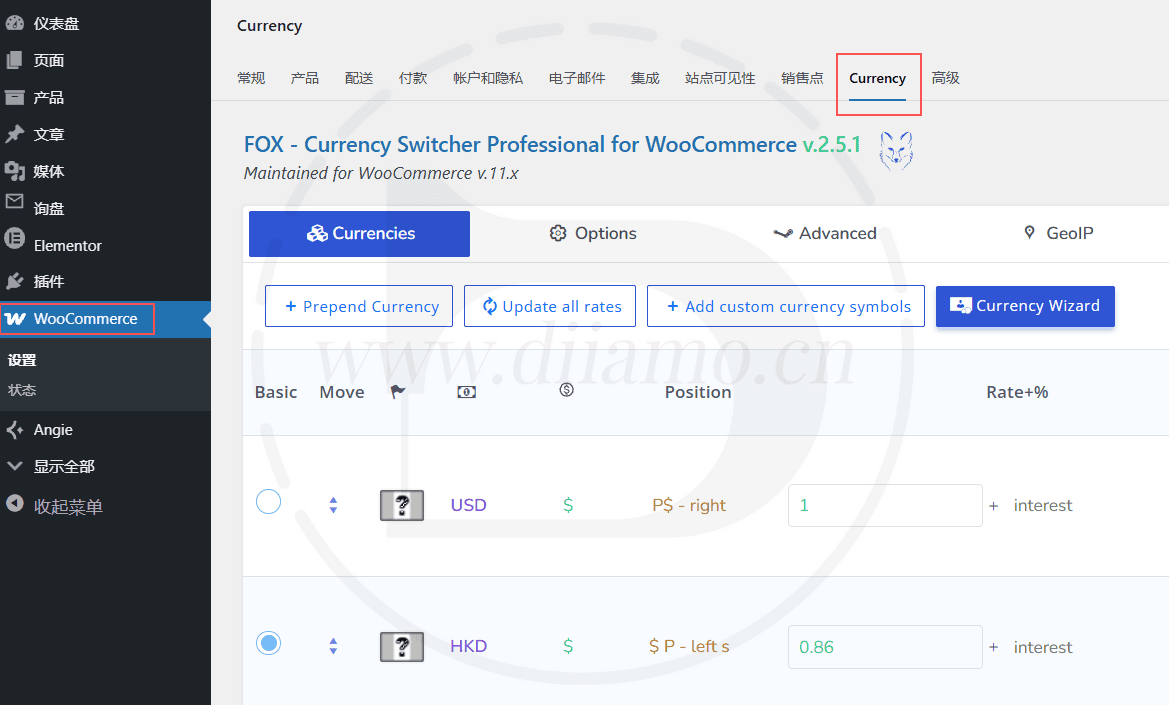
Find and click on "Plugin">"Install Plugin" in the left menu column of the website backend, click on "Upload Plugin" in the upper left corner, upload and download the zip installation package, click on "Install Now", and then click on it after installation "Enable Plugin" Complete the installation.

Installation method 2.FTP installation
Note: Features in the paid version of BaoTower, such as anti-tampering and system hardening, may automatically delete or block PHP files within the system, preventing the plugin from being activated or causing it to malfunction. If you encounter any issues, please disable the relevant features before uploading the plugin.
Directly use FTP or enter the panel file management system, upload the purchased. zip compressed file directly to the plugins directory on the website (xxx. com/WP content/plugins), and extract it. Or firstUnzip the .zip archive by extracting the extracted oneFoldersUpload it to the plugins directory of the site.
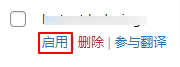
Then go to the left menu column of the website backend, find and click to enter "Plugin">"Installed Plugin", find the plugin in the plugin list, and click "Enable".
FOX-Currency Switcher for WooCommerce User Guide
For more information, please go toOfficial Documents... The plugin's official website has a link to the plugin forum and other resources in the top navigation bar; feel free to look for tutorials there.
We don’t make a profit from selling these plugins; we do it simply to help others and as a hobby. Instructions for use are not covered by our after-sales support, so please refer to the official documentation. If a plugin’s features aren’t working or you encounter bugs, please contact our WeChat customer service. Thank you for your understanding.
We’ve dealt with many customers. Some are impatient and don’t like reading the tutorials—they ask Xiao Di about everything. But I also have to read the tutorials before I can answer you; it’s a hassle for you, and it’s a hassle for me too. On other websites that sell GPL resources, you can’t even get in touch with customer service, or they don’t respond at all. Xiao Di offers after-sales support via WeChat chat, with replies that come almost instantly—which is very rare. Please cherish this service.