EdgeOne Purger PluginDownload, this plugin is specifically for linking Tencent CloudEdgeOne CDN (hereinafter referred to as EO), to realize the automatic cleanup of EdgeOne CDN cache when the site is modified, very practical and lightweight.
Plug-in functionality:
- Auto-refresh and preheat cache: automatic refresh on posting, updating and deleting of articles, support for customizing article types;
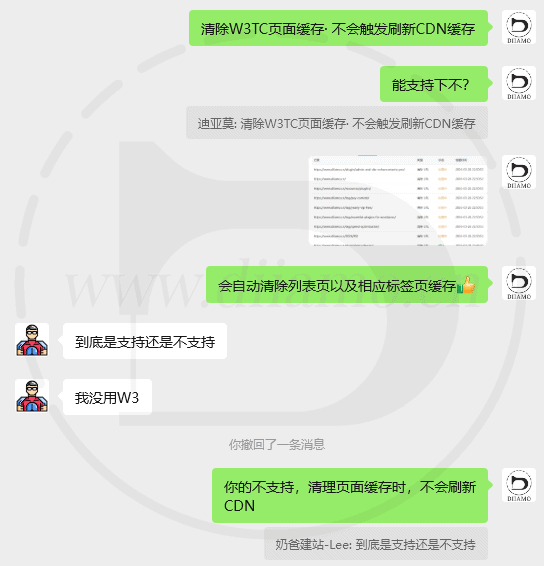
- When clearing the page cache (caching plugins such as W3TC are supported), the corresponding page EO cache is automatically cleared;
- Comment integration: automatically refreshes the cache of related articles when new comments are passed
- Intelligent association: automatically refresh article page, home page, category page, tag page, author page, date archive page;
- Manual Refresh: Supports manually refreshing the cache of specific articles or the whole site, and you can also enter the URL to clean up specific caches;
- The interface is clean and free of unnecessary ads and links;
- Refresh method is optional: support for deleting the cache (delete) or marking it as expired (invalidate);
- Compatible with Nginx Fastcgi Cache;
- Logging: You can choose to log refresh operations.
The only drawback is the lack of integration of the “rules engine”.must notAutomatically create the appropriate “rules” to bypass the CDN cache, modify the cache time and so on. A niche free plugin can realize the above function has been very good, can not ask for too much.
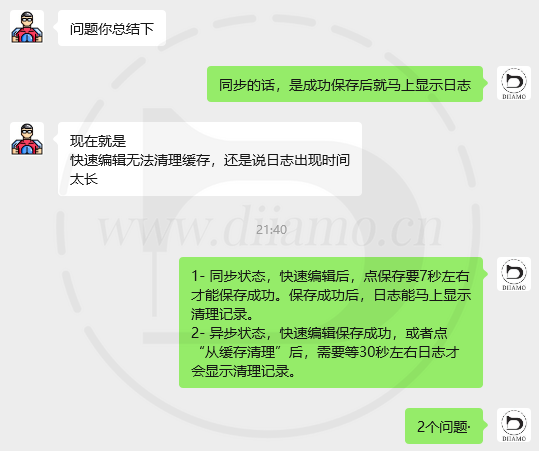
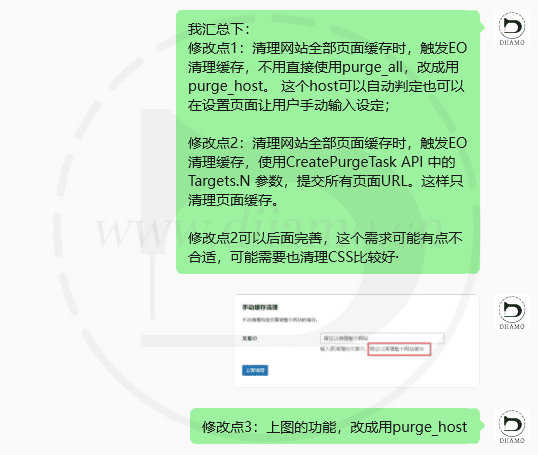
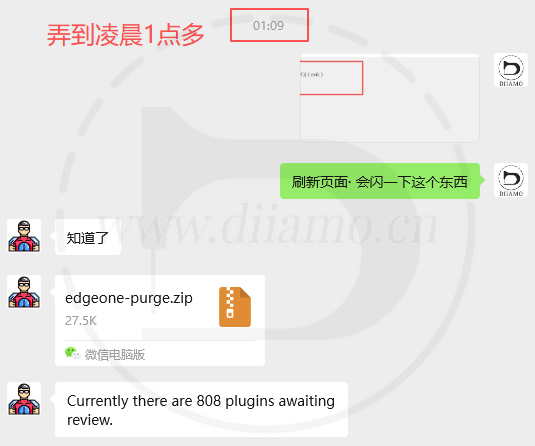
This plugin was created by Di's friendNotes on building a website by a milkmanproduction, we negotiated features and details until about 1am to perfect it, and it's on the shelf!WordPress Plugin Library.

Auto Clean EdgeOne CDN Cache Plugin Security
This is a free plug-in, the official version of the original installation package, without any “crack” and so on, the security is absolutely reliable.
- ByVirustotal Antivirus Verification;.
- ByWordfenceSource code review.
- No insertion of external links and no fear of loss of site SEO effect;
- BySucuriSecurity antivirus scan.

EdgeOne Purge Download Terms
This plugin is free and does not provide any human answering service. If the plugin functions abnormally or something like that, please contactPlug-in authorsfor help.
Installation / Activation Method
Directly upload the installation package to install, enable the plugin directly available, free plugin does not need to be activated. Click “Settings” > “EdgeOne Cache Cleanup” to enter the settings interface.
Installation method 1: Upload and install
Find and click on "Plugins" > "Install Plugins" in the left menu bar of the website background, then click on "Upload Plugin" in the upper left corner, upload the downloaded zip installation package and click on "Install Now", after installation, click"Enable Plugin"Complete the installation.

Installation method 2.FTP installation
Unzip the plug-in package, put the unzippedFoldersUpload it to the plugins directory (xxx.com/wp-content/plugins).
Find and click on "Plugins" > "Installed Plugins" in the left menu bar of the website background, find the plugin in the list of plugins, and click "Enable".
EdgeOne Purger Tutorial
Click to viewTutorialsIf the plugin functions abnormally or something like that, please contact the plugin author to deal with it. Diiamo is a recommendation only and does not provide answers for this plugin.
Note: The free version of EO does not have a caching feature, click to view theComparison and content of the various EO packages.
Share the experience of using it:
In Settings, “Clear Method”, it is recommended to select “Delete”, it will warm up the cache immediately. After clearing the cache, the first visitor will see the latest version, which is the CDN version. Note: The free version of EO does not have a warm cache feature, which causes the first visit to go back to the source site to request content, and the second visit to hit the CDN cache.
“If you choose ”Clear Mode“, it is recommended to choose ”Synchronous", the cache will be updated immediately, and the cache will be warmed up to show the latest effect immediately. If you choose "Asynchronous", you need to rely on Wp Cron, and it may take a few seconds or tens of seconds to update the cache after modifying the page.