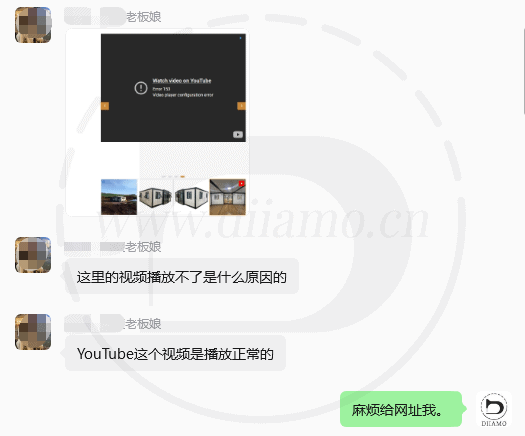
A customer feedbackYoutube videoCannot play on the website, prompts “Watch this video on YouTube, Error 153, video player configuration error”, English prompts "Watch video on YouTube, Error 153Video, player configuration error ".
Fix YouTube Error 153 Methods
Xiao Di looked into it and found that this error is quite common: the “Referrer-Policy” header is set to “same-origin,” which prevents the Referrer header from being sent to YouTube, resulting in the video failing to play.
Just change it to “add_header Referrer-Policy "strict-origin-when-cross-origin" always;” and the video plays normally ↓.
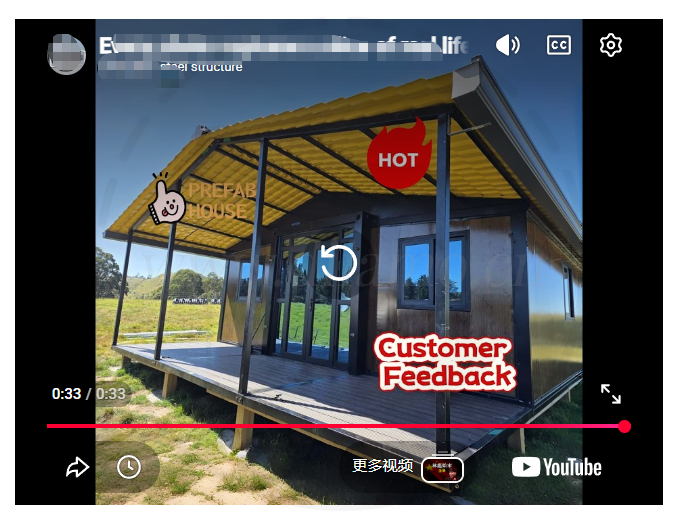
It's best to do all 3 of the following to be on the safe side. If the site itself has not added the “Referrer-Policy” header, you don't need to deal with it, just do the panel and CDN part.
How to add/modify “Referrer-Policy” header in Pagoda
To use the pagoda panel, just add the following code under “ #SECURITY-HEADERS-START” or “ #SSL-END” in the configuration file of your website.
add_header Referrer-Policy "strict-origin-when-cross-origin" always;The following figure shows what it looks like after adding the code↓

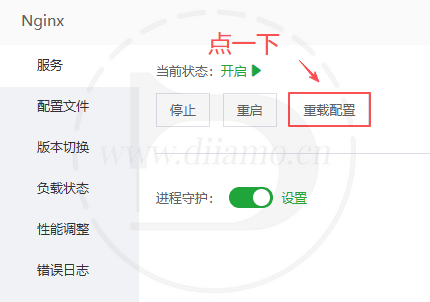
It is recommended to click “Reload Configuration” in Nginx to make the changes take effect.
How to add/modify the “Referrer-Policy” header on the website itself
In fact, you can add/modify the “Referrer-Policy” header inside the website, for example, WP website can install the corresponding plugin to control, you can also add custom code to the functions.php file to control.
By default WP sites have no control over the “Referrer-Policy” header, so if you haven't tweaked it, don't worry about it. If you have tweaked it, just change it manually.
How to add/modify “Referrer-Policy” headers in Cloudflare
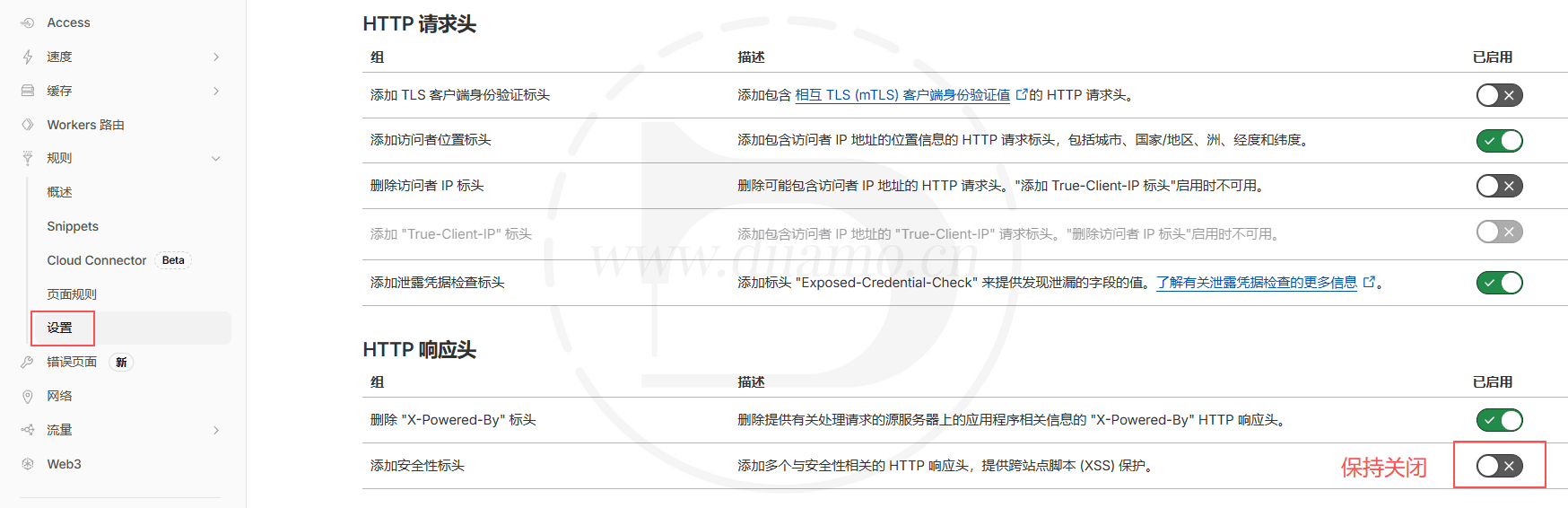
It's just not enough to change it in the pagoda panel/website, because the CDN has a higher priority and will override the pagoda panel/website settings. It needs to be changed inside the CDN, as illustrated below using Cloudflare as an example.
The “Add Security Header” in the picture below needs to be disabled, if it is enabled, it will automatically set the “Referrer-Policy” header to “same-origin”. If enabled, it will automatically set the "Referrer-Policy" header of the website to "same-origin", and the Youtube video will not open.
Other CDNs do not explain, they understand. Some CDNs don't control the “Referrer-Policy” header, so don't worry about it.